The only 7 VS Code extensions a beginner needs
“Skip the 40-extension lists. These seven make your editor faster without making it confusing.”
Attaullah
Instructor, TechSnow
12 Sept 2026 · 1 min read · Tools
More extensions do not make you a better programmer. A few good ones do make you faster.
The list
- Prettier, to format code on save
- ESLint, to catch mistakes in JavaScript
- Python, the official extension for running and debugging
- Error Lens, to show errors right next to the line
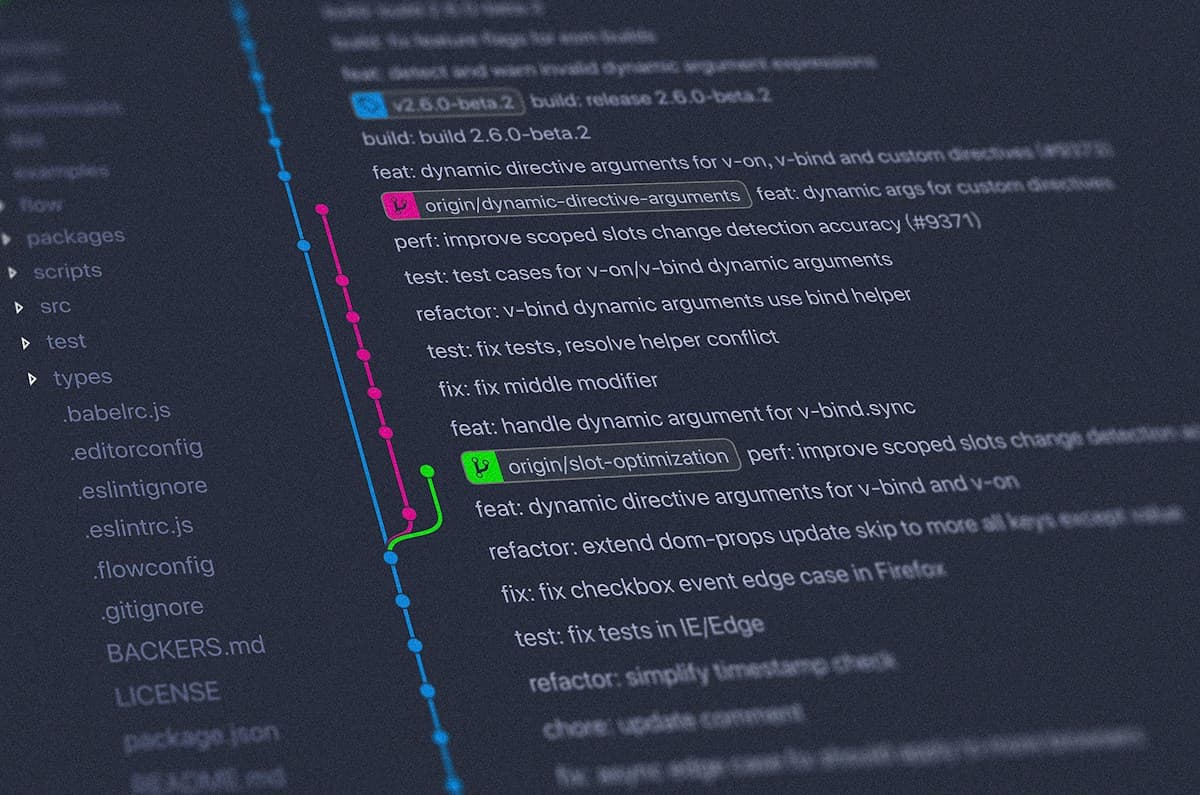
- GitLens, to see who changed a line and why
- Live Server, to reload your web page on every save
- Code Spell Checker, because typos in variable names are real bugs
Turn on format on save
{
  "editor.formatOnSave": true,
  "editor.defaultFormatter": "esbenp.prettier-vscode"
}
If an extension slows down your editor, turn it off. You can always add it back.
Written by
AttaullahInstructor, TechSnow
Teaches web development, Python and programming fundamentals at TechSnow, with clear lessons in English and Urdu / Hindi and a real project in every course.
3 comments
Hamza K. 2 days ago
Really clear explanation. The example made it click for me.
TechSnow teamAuthor2 days ago
Glad it helped, Hamza! Try changing the example and see what breaks.
Mehwish 4 days ago
Could you write a follow-up with a bigger project?